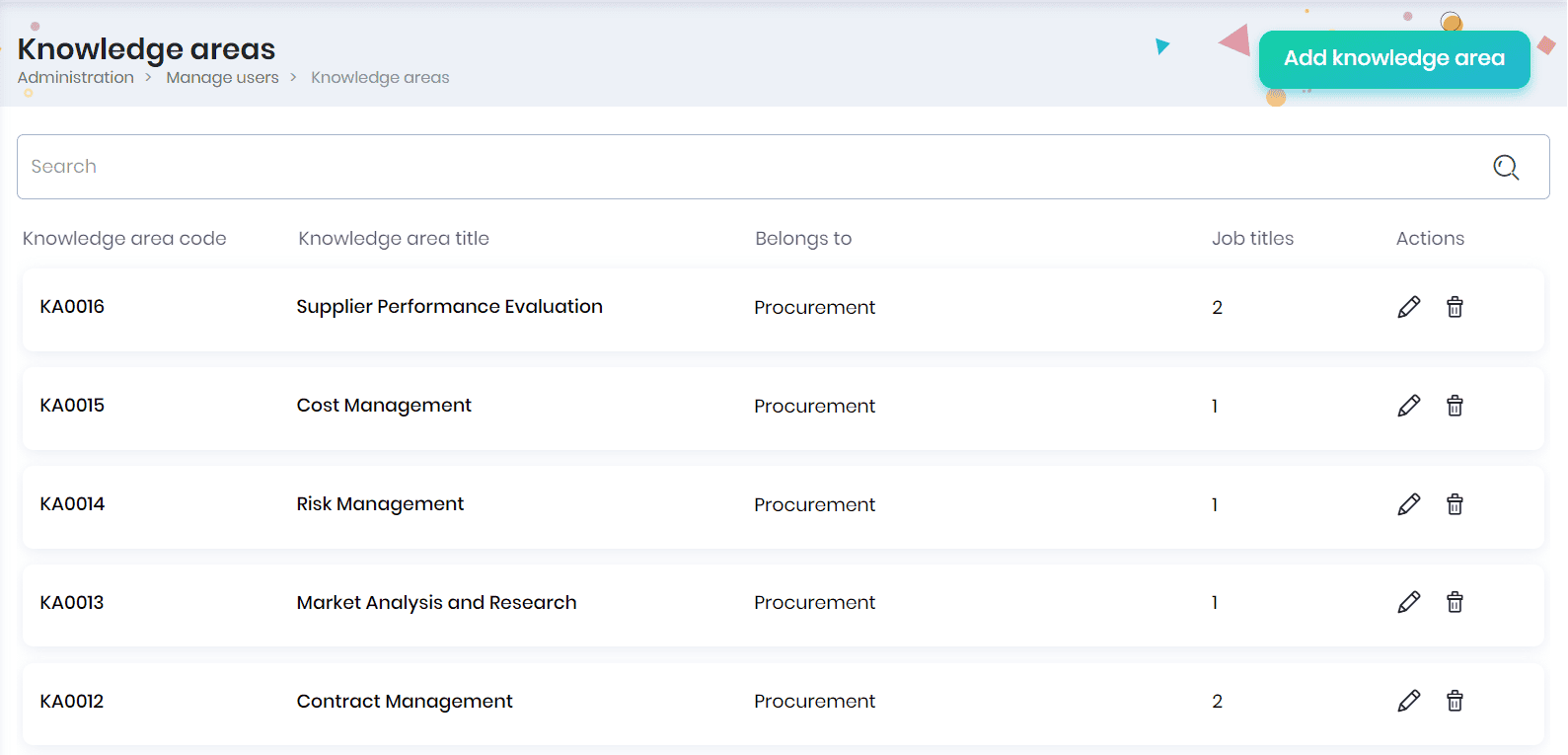
Knowledge Areas
A knowledge area refers to a field of expertise that encompasses related information, skills, and understanding. It represents a focused area of knowledge within a broader subject or discipline, helping to organize and categorize information for effective learning, problem-solving, or professional specialization. Click on the Knowledge Areas menu to manage the knowledge areas defined for various job titles.
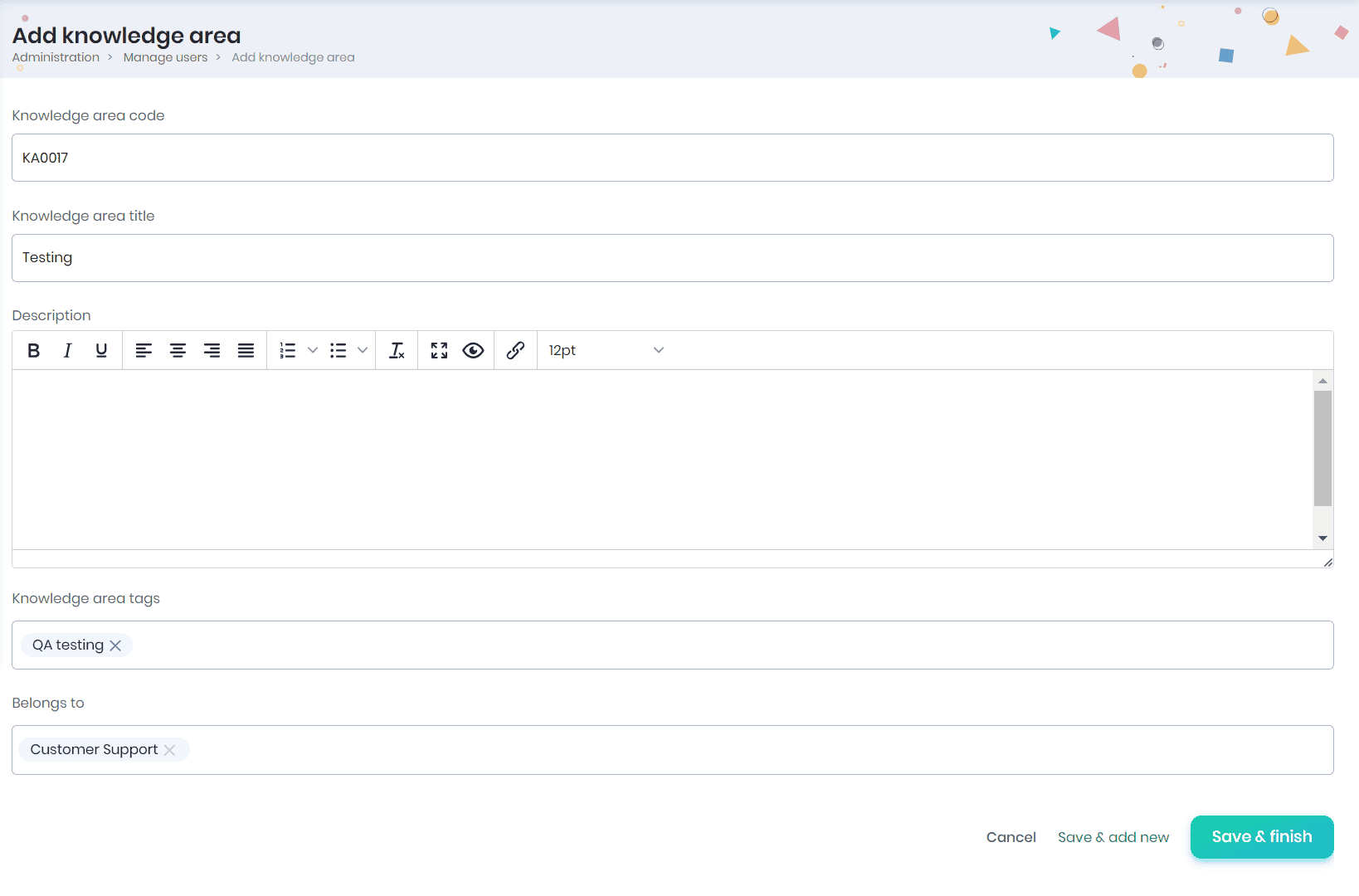
Adding Knowledge area
- Click on the Add knowledge area button to add a new knowledge area.
- Enter the knowledge area title, knowledge area tags (helpful for identifying the required skills), select the groups that require this knowledge area and click on the Save & finish button.
- Click on the Save & add new button to add another knowledge area.
Note: System-generated knowledge area code will be displayed by default.
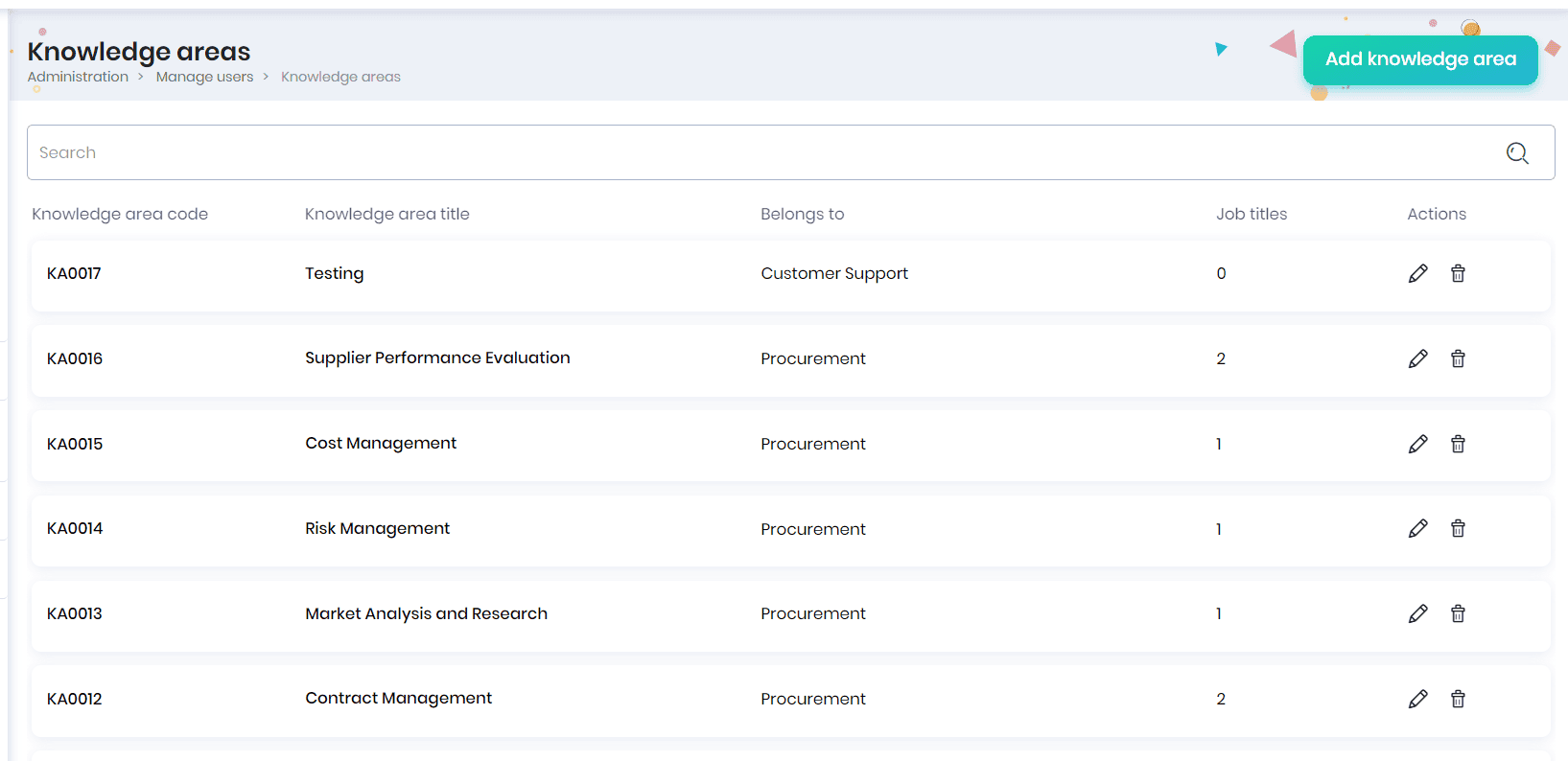
- The knowledge areas created will be displayed in the Knowledge areas page.
Editing the knowledge area
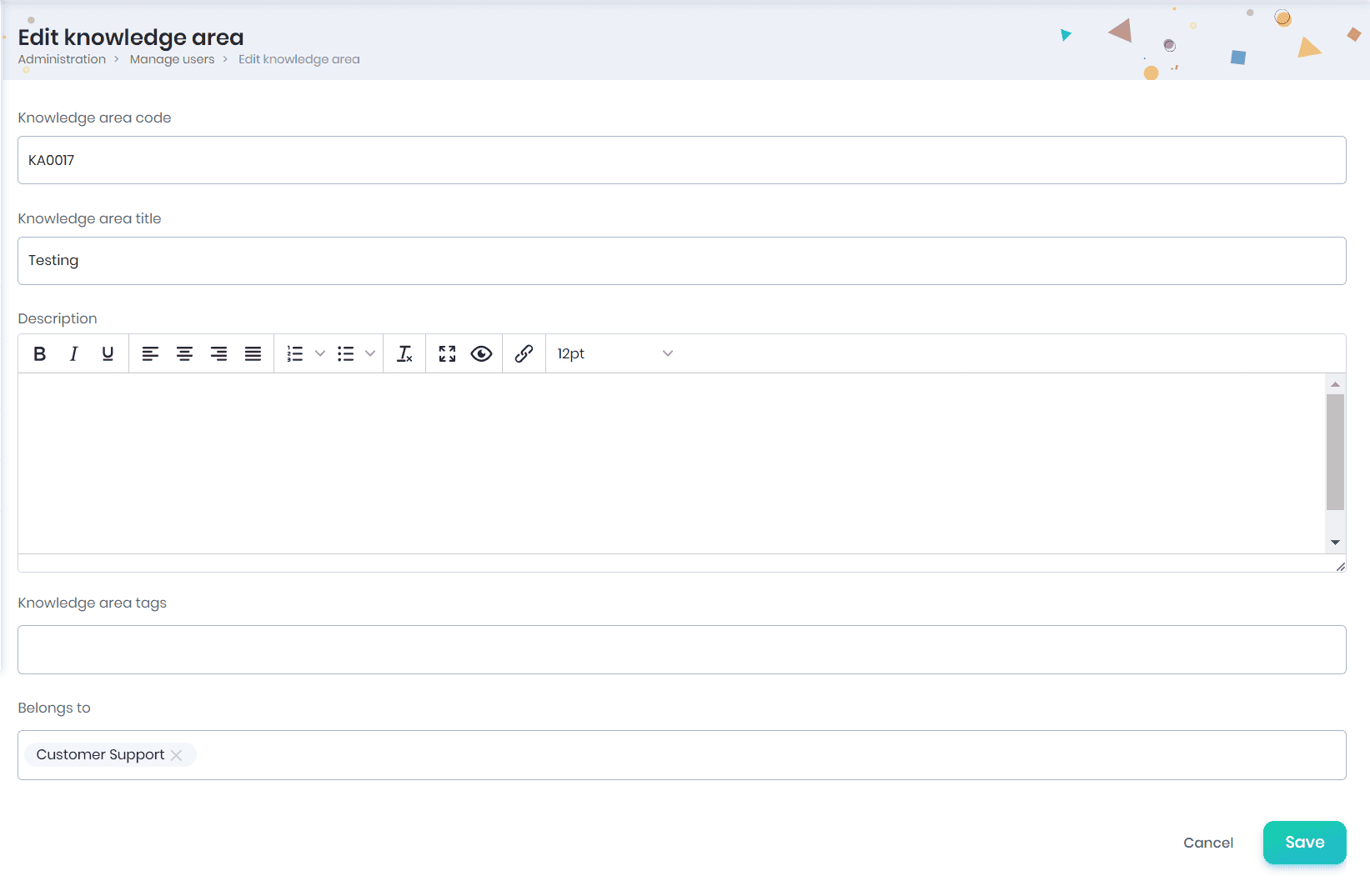
- Click on the Edit button to edit the knowledge area details.
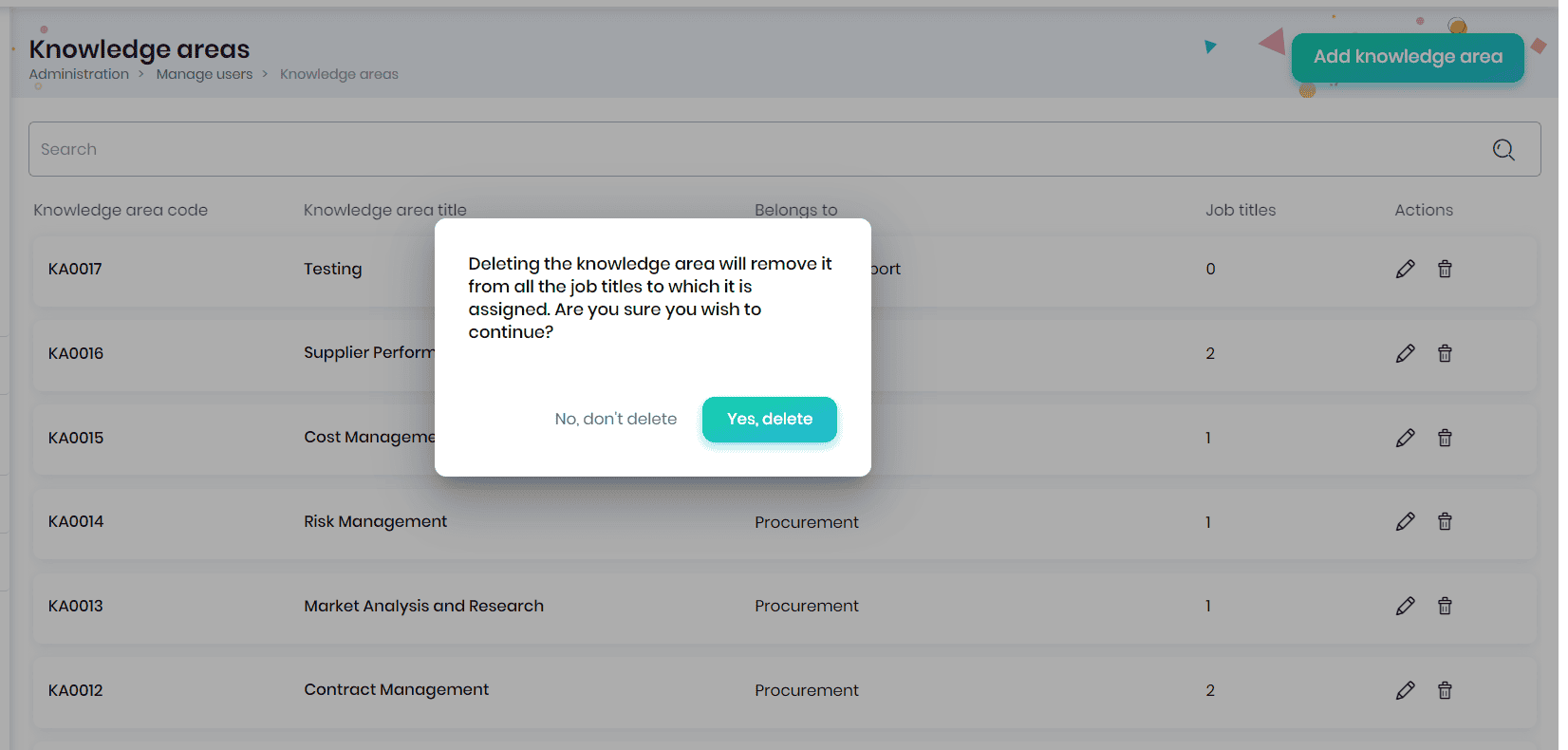
Deleting the knowledge area
Click on the Delete icon to delete the knowledge area. On clicking, a confirmation message appears, where you may click on the Yes, delete button to remove the knowledge area.